How to Create a Metric
How to Create a Metric
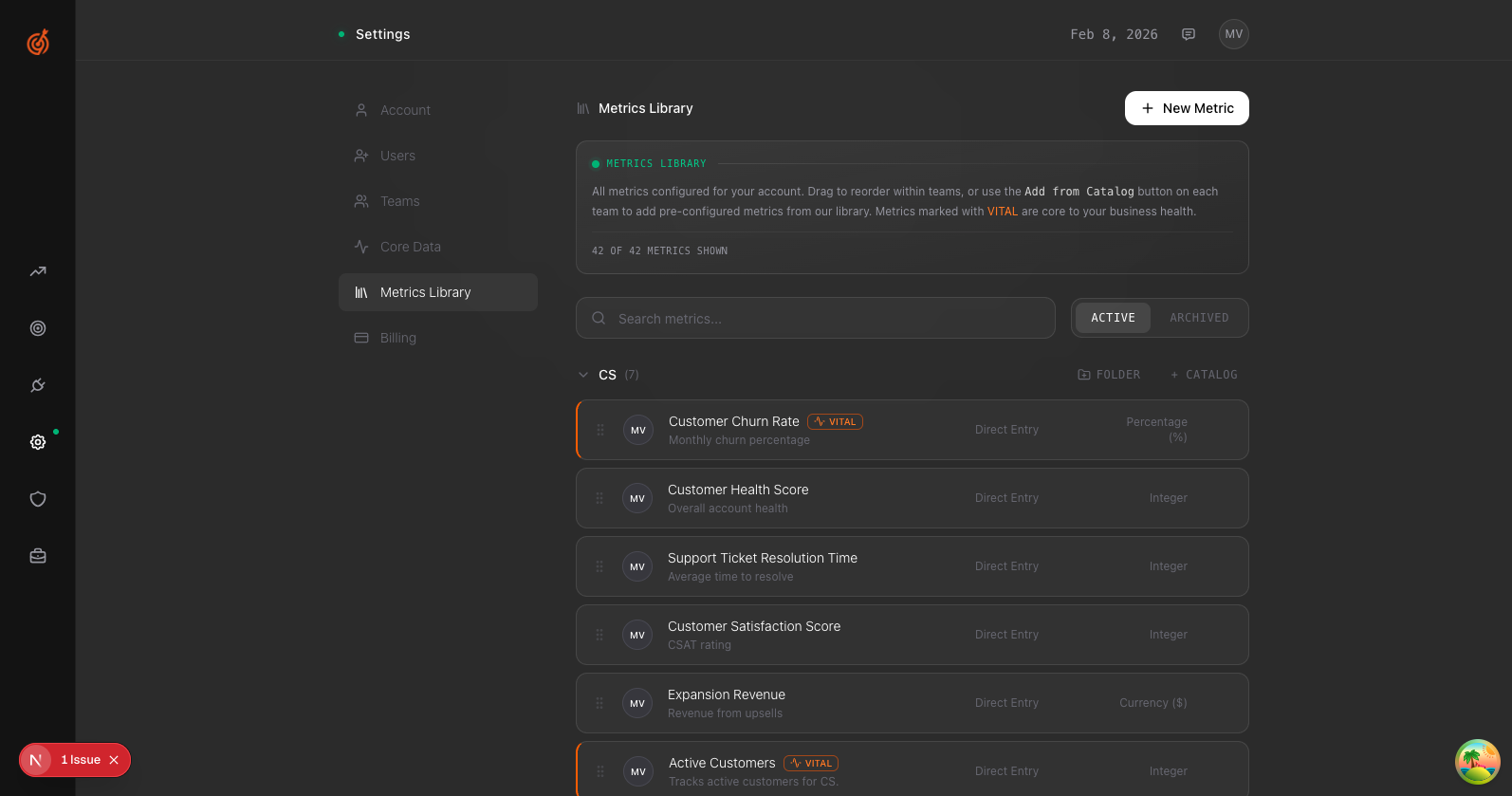
- Go to Settings → Metrics Library
- Click New Metric in the top right
- Fill in the details:
- Metric Name — What you're tracking (e.g., "Monthly Recurring Revenue")
- Description — What this metric measures
- Team — Which team owns it
- DRI — Who's responsible for it
- Tracking method — Integration, Manual entry, or Formula
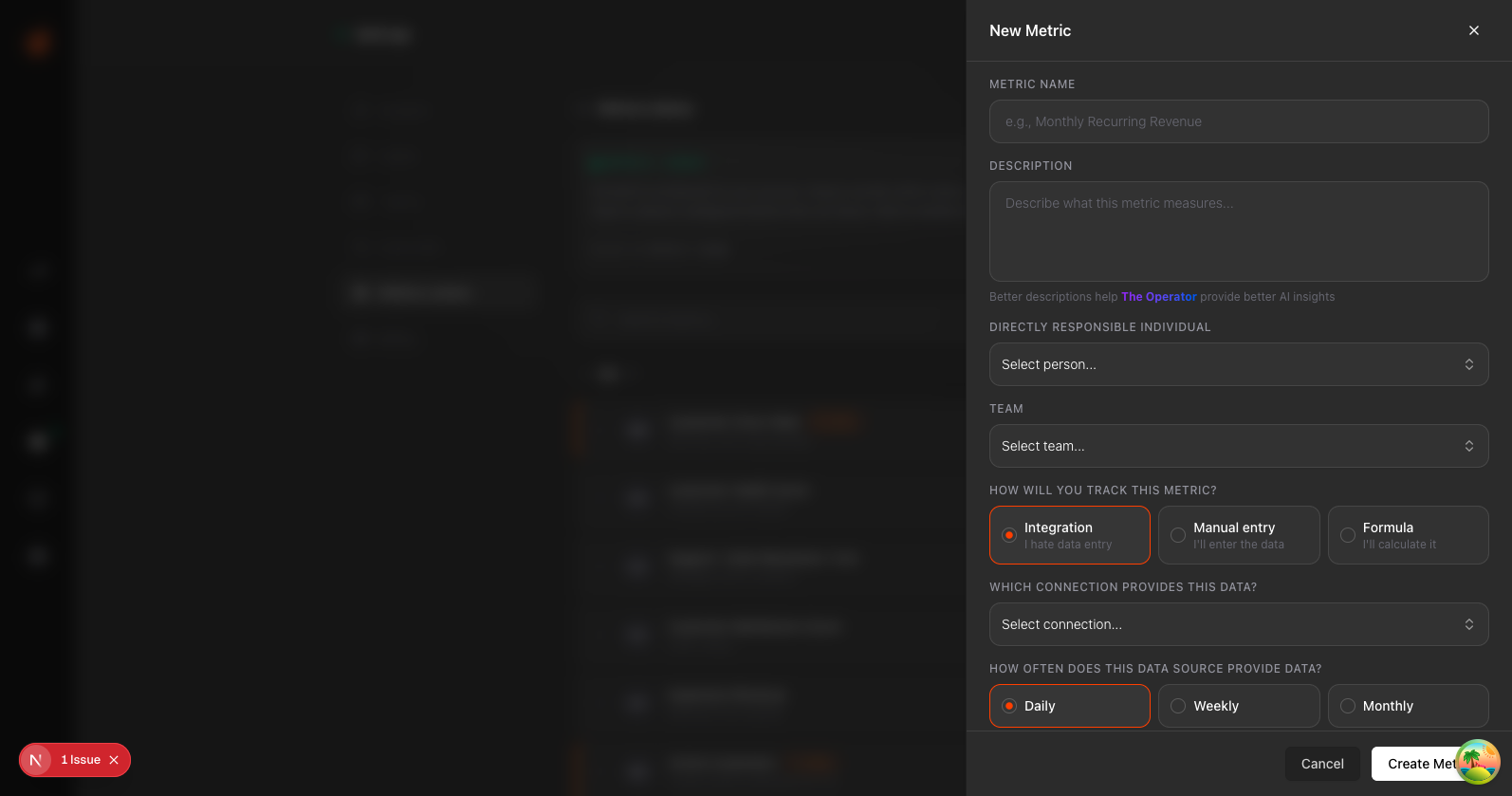
- Click Create Metric
Your metric is now live and ready for data.