How to Archive a Metric
How to Archive a Metric
- Go to Settings → Metrics Library
- Find the metric you want to archive
- Click the Manage button on that metric
- Select Archive metric
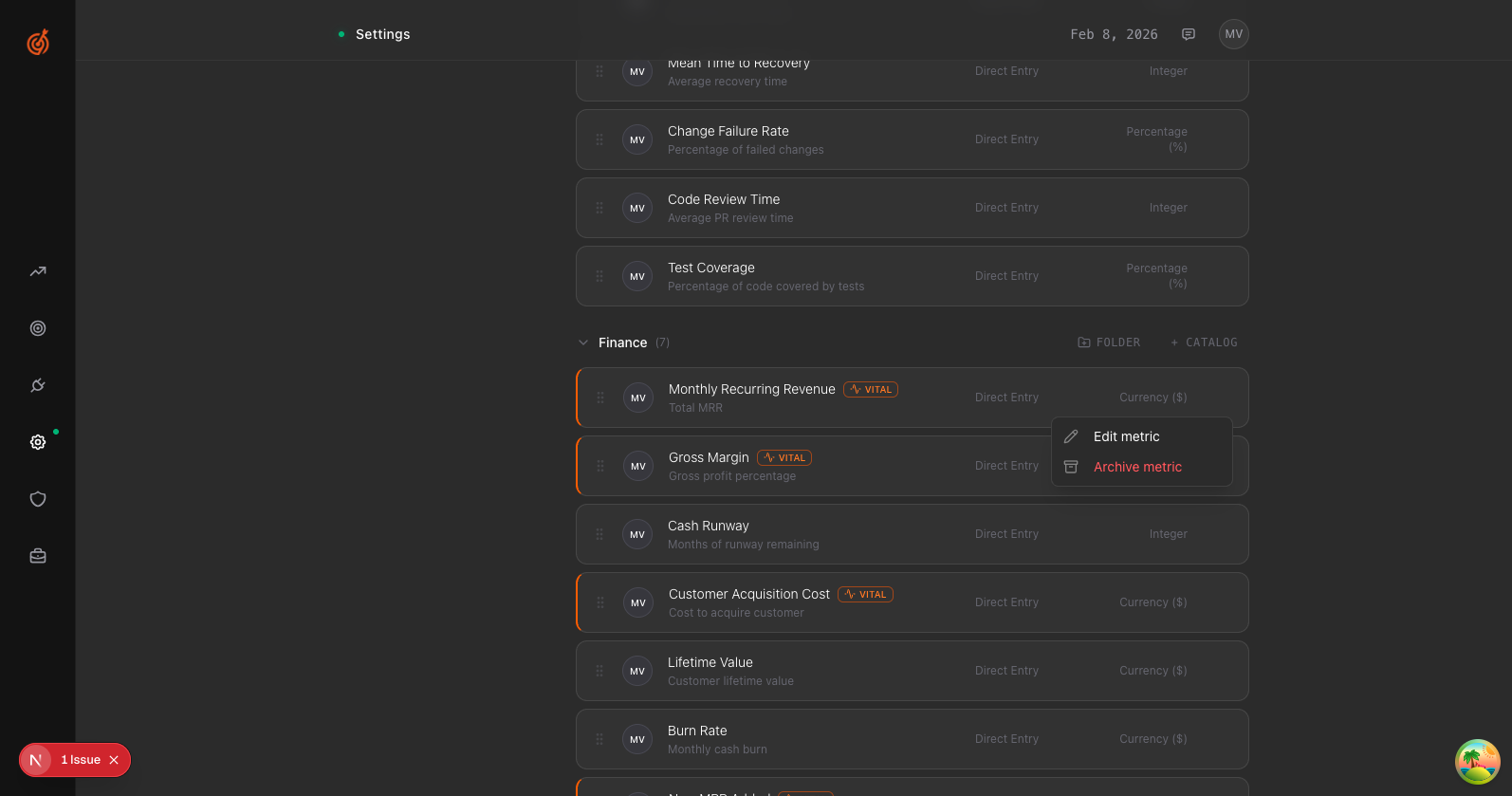
Archived metrics are hidden from your active views but the data is preserved. You can view archived metrics by clicking the Archived tab in the Metrics Library.