How to Log In to Precision
How to Log In to Precision
Logging into Precision takes about 10 seconds. Here's how.
Step 1: Go to Your Login Page
Open your browser and navigate to operator.precision.co. You'll see the login screen.

Step 2: Enter Your Email and Password
Type your email address in the Email field.
Type your password in the Password field. Passwords are case-sensitive.

Step 3: Click Login
Hit the Login button.
You're In
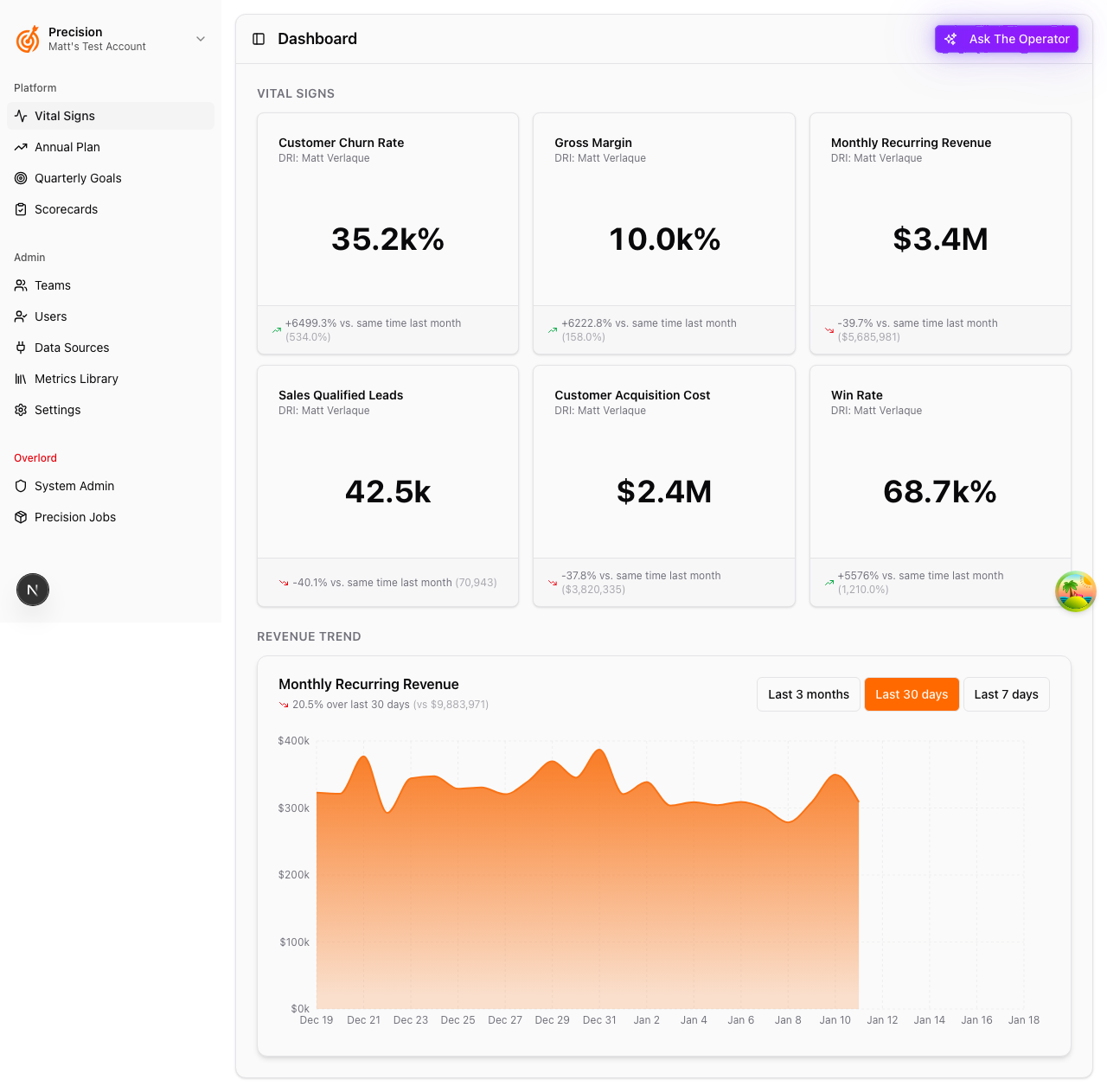
You'll land on your dashboard with access to:
- Vital Signs — Your key business metrics
- Revenue Trends — Visual charts of your growth
- Goals, Annual Plan, Scorecards — Everything you need to run your business
Forgot Your Password?
Click "Forgot your password?" on the login page. We'll email you a reset link.
Still Having Issues?
Contact us at support@precision.co and we'll get you sorted.