How to Disconnect a Data Source
How to Disconnect a Data Source
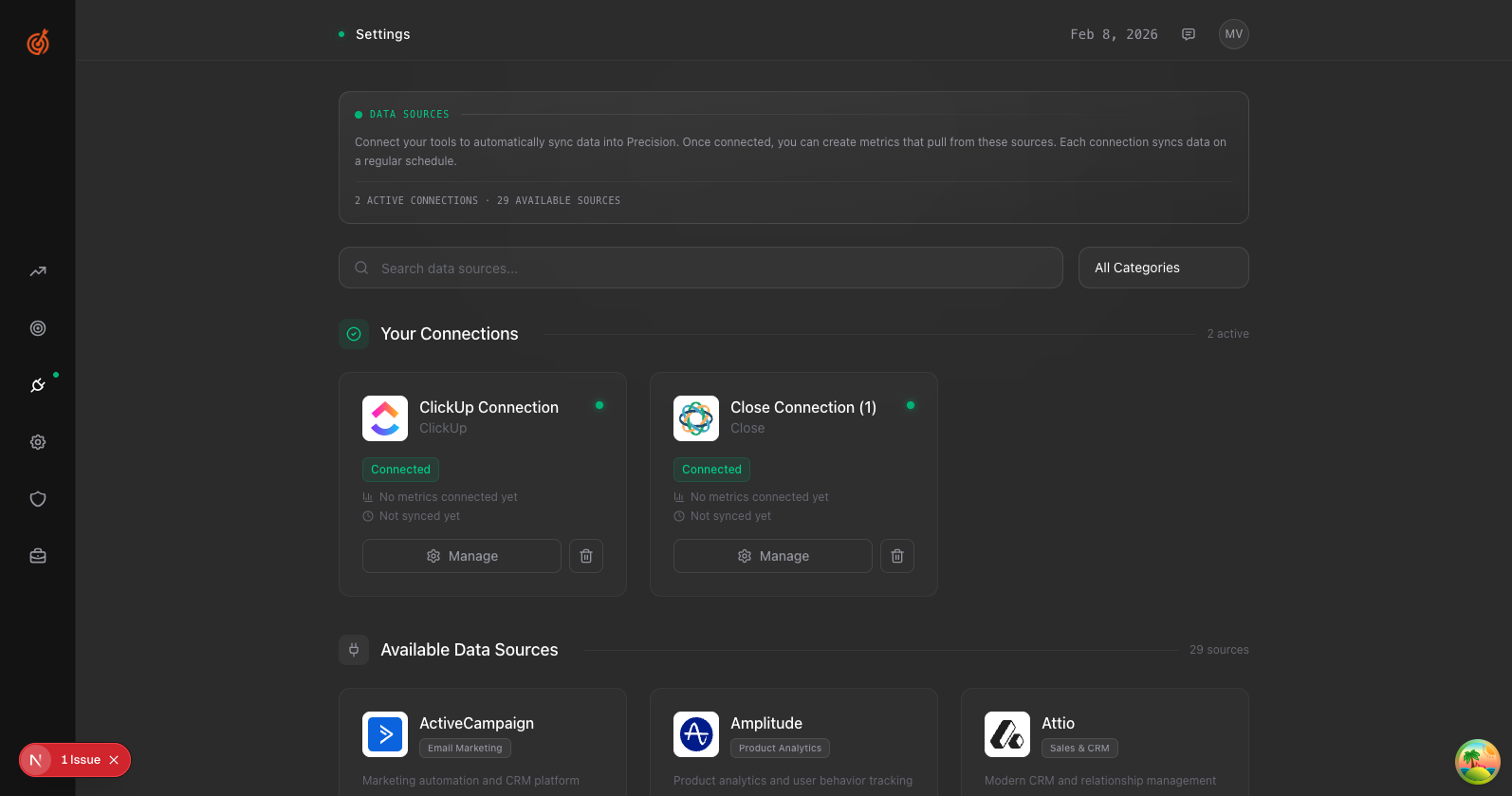
- Go to Settings → Data Sources
- Find the connection you want to remove in Your Connections
- Click the trash icon next to that connection
- Confirm the disconnection
Disconnecting removes the sync but keeps your historical data. You can reconnect anytime.