How to Connect a Data Source
How to Connect a Data Source
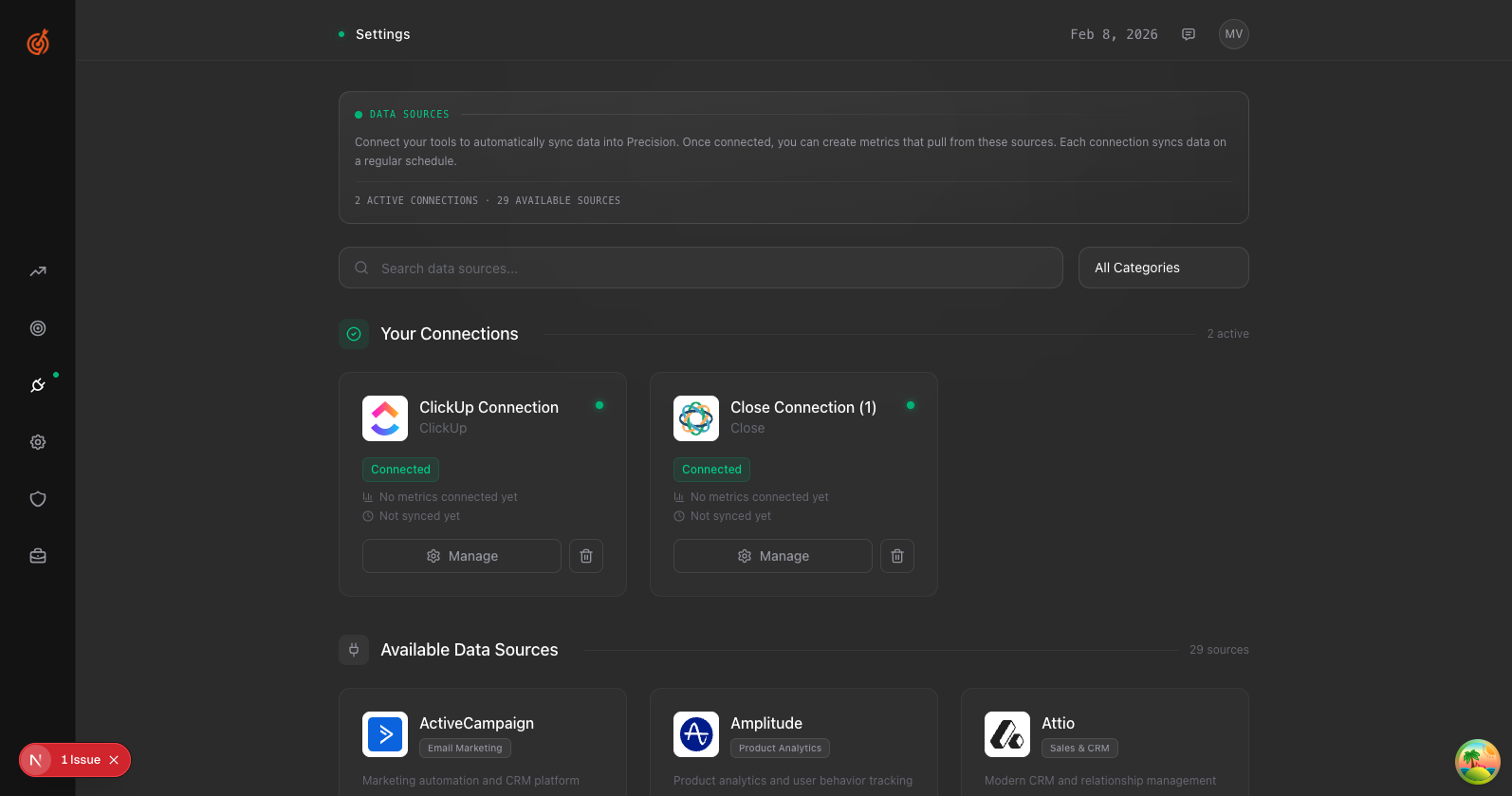
- Go to Settings → Data Sources (or click the gear icon)
- Find the tool you want to connect in the Available Data Sources section
- Click Connect
- Sign in to your account when prompted and authorize Precision
- Select which account to connect (if you have multiple)
Once connected, you'll see a green "Connected" badge. Precision will start syncing your data automatically.