How to Create a Team
How to Create a Team
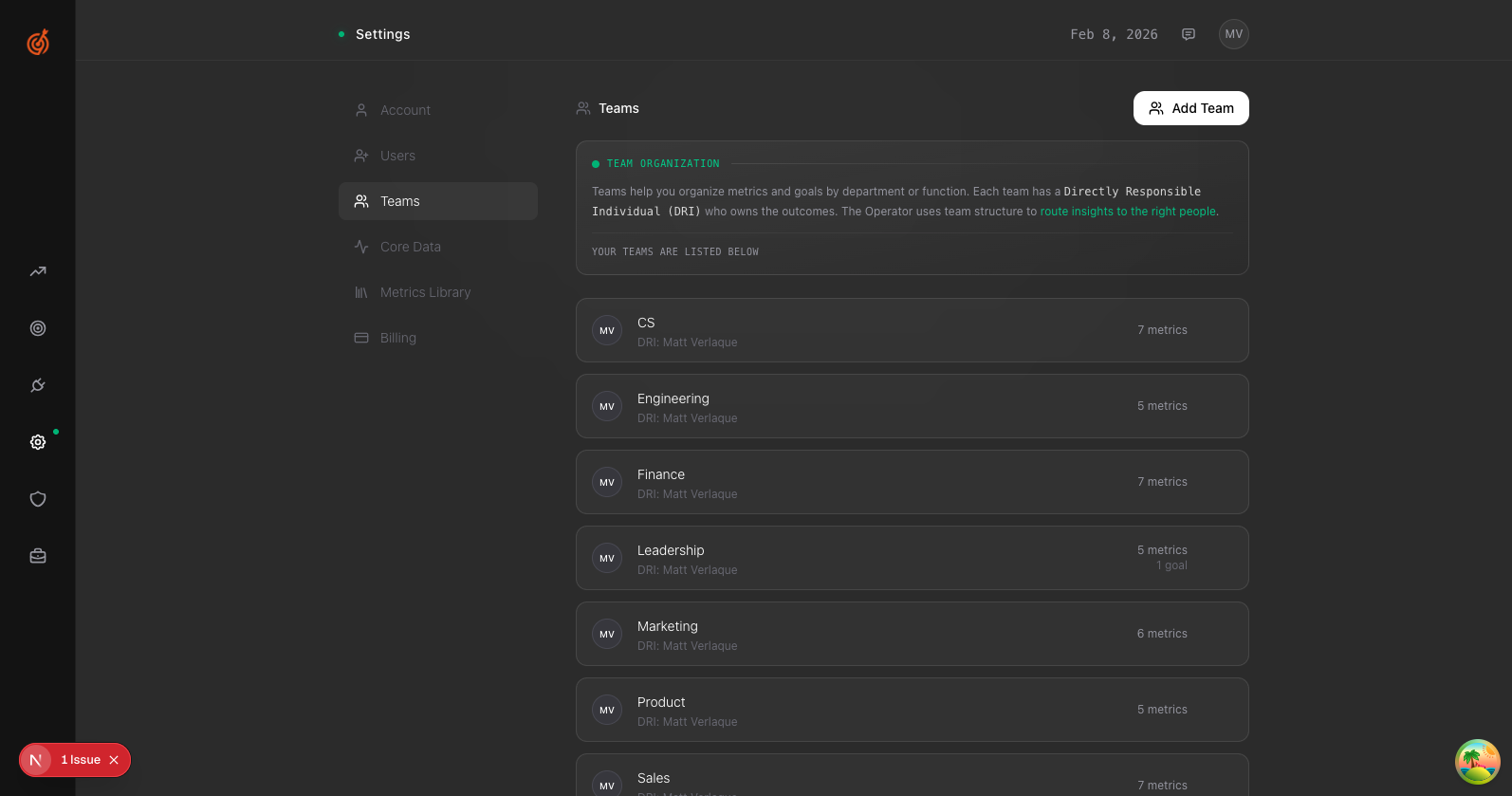
- Go to Settings → Teams
- Click Add Team in the top right
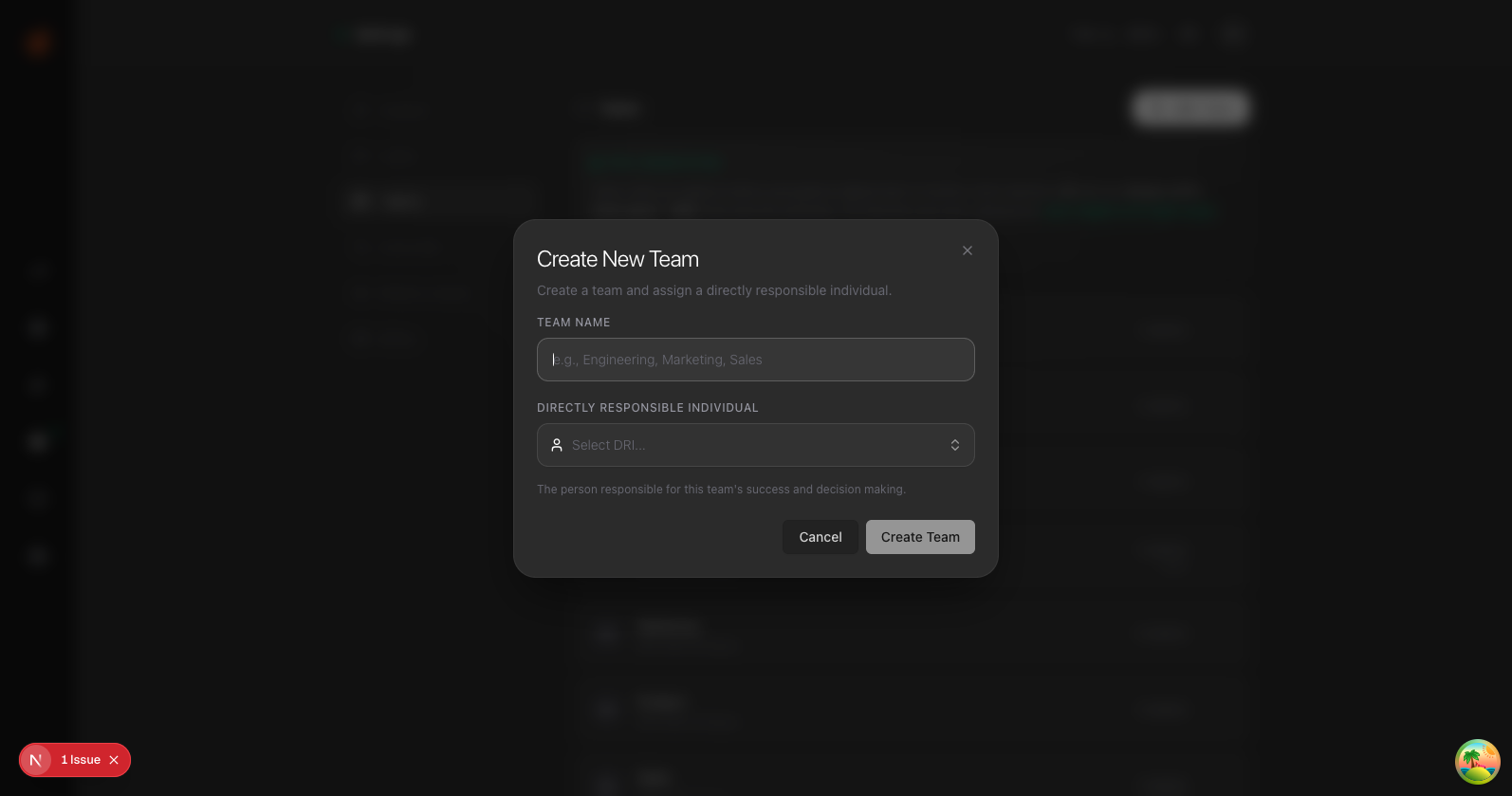
- Enter the Team Name (e.g., Sales, Marketing, Engineering)
- Select a DRI — the person responsible for this team's outcomes
- Click Create Team
Your team is now ready. You can assign metrics and goals to it.