How to Assign a Team DRI
How to Assign a Team DRI
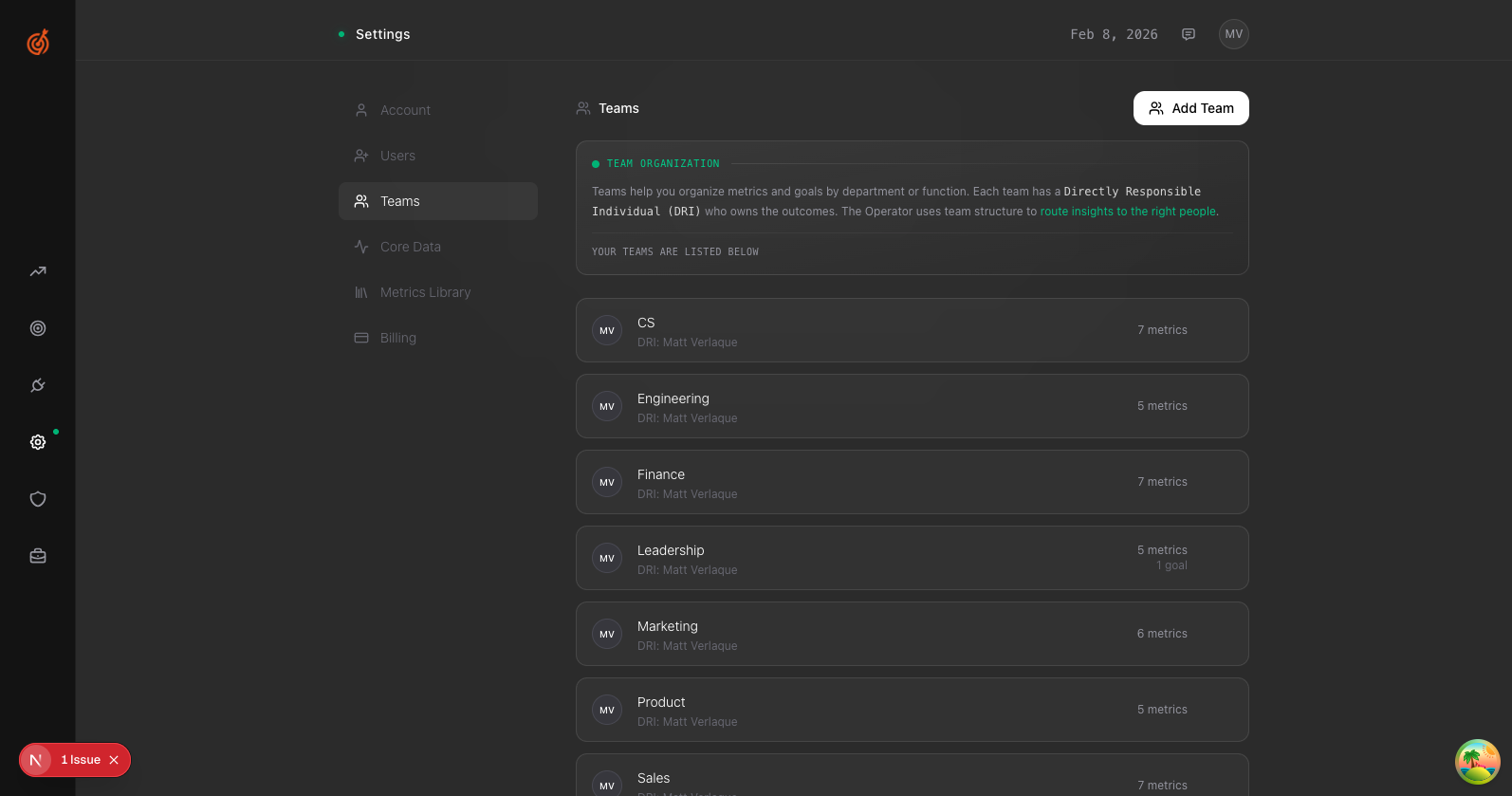
The DRI (Directly Responsible Individual) is the person accountable for a team's metrics and goals.
- Go to Settings → Teams
- Click Manage on the team you want to update
- Select a new person from the DRI dropdown
- Click Save
The new DRI will receive insights and alerts for that team's metrics.