How to Create a Goal
How to Create a Goal
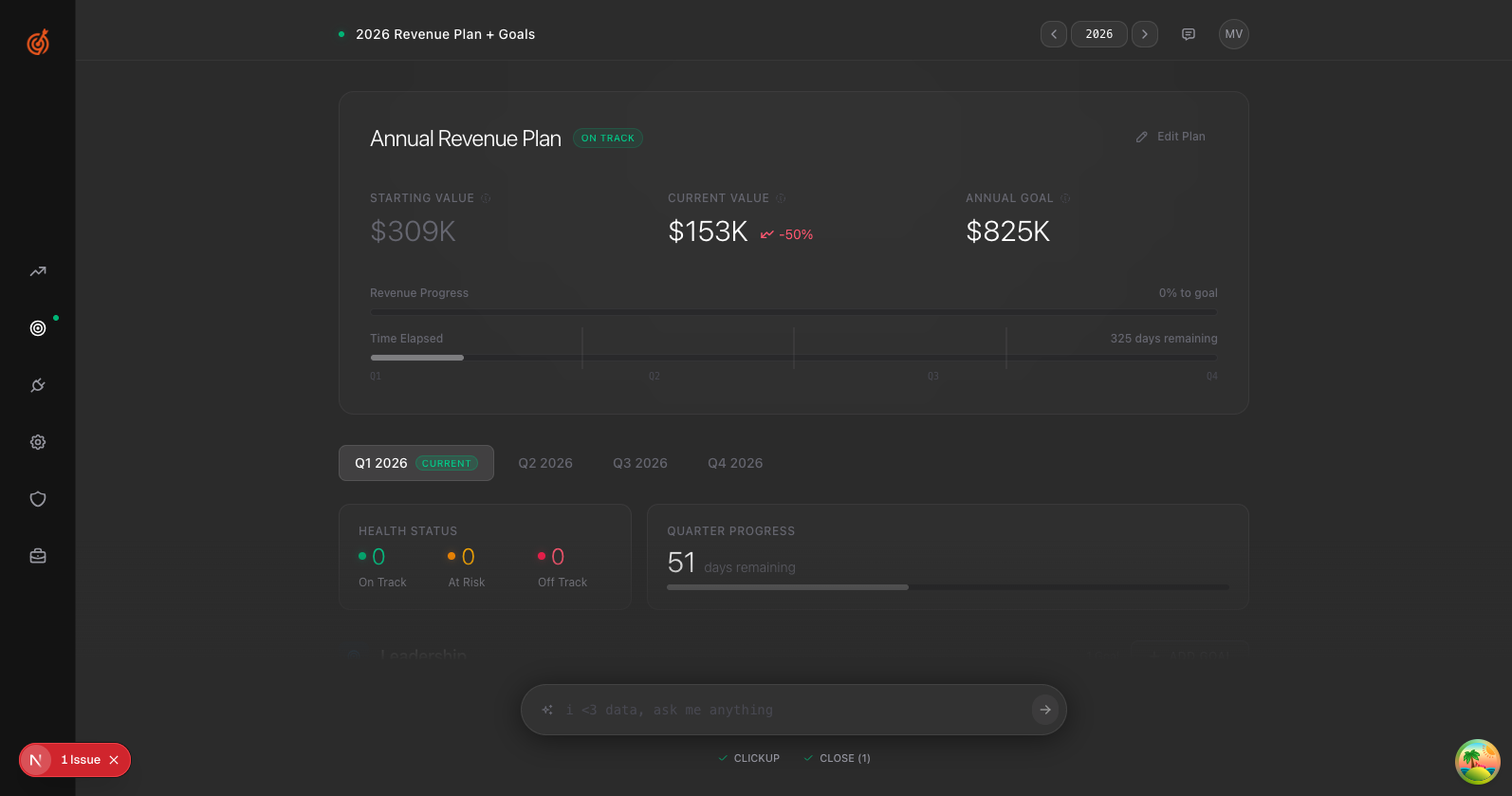
- Click the Goals icon in the sidebar (the target)
- Find the team you want to add a goal for
- Click Add Goal
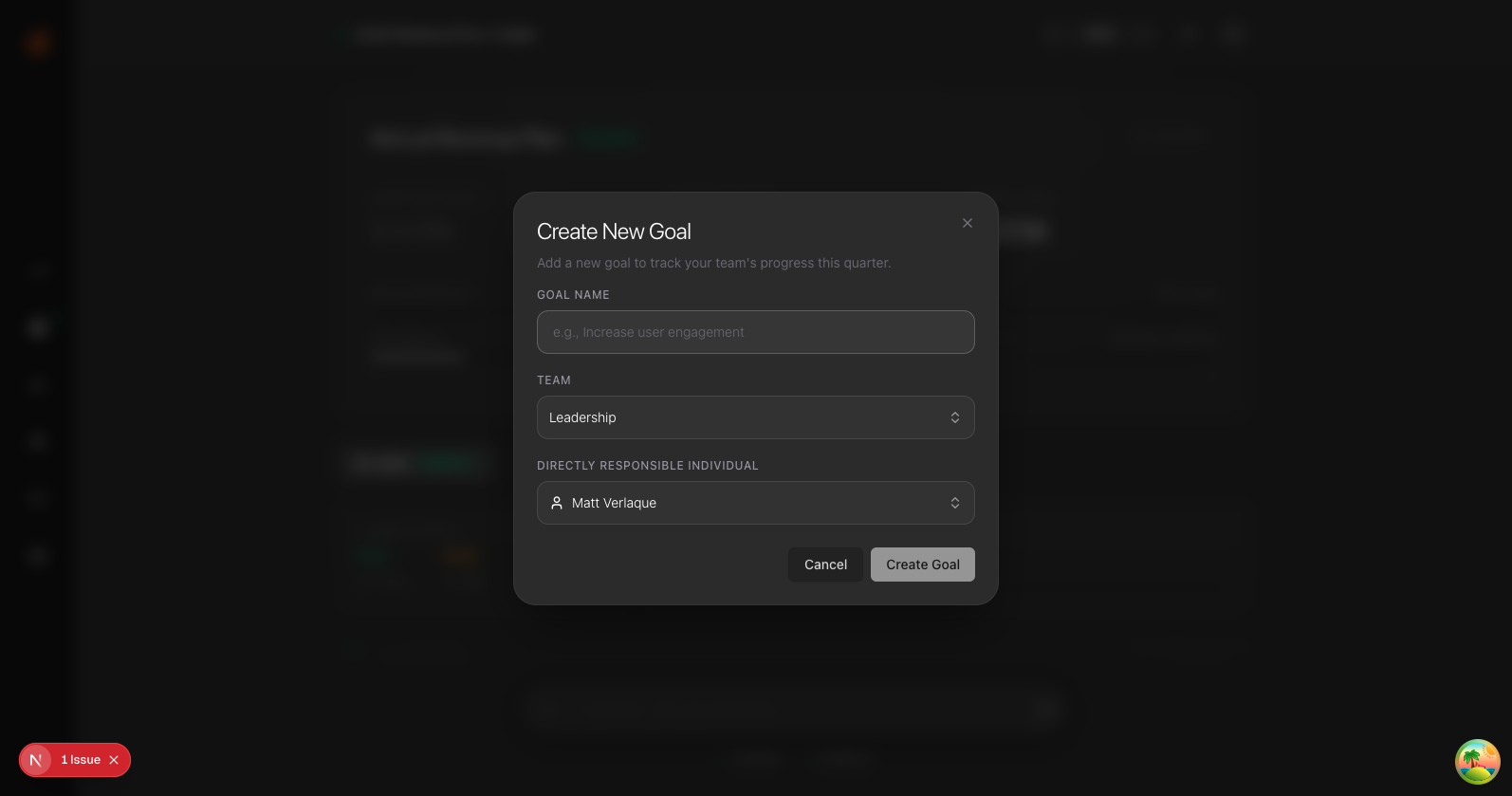
- Fill in the details:
- Goal Name — What you're trying to achieve
- Team — Which team owns it
- DRI — Who's responsible
- Click Create Goal
Your goal is now active for the current quarter.